Every Speaker Labelled
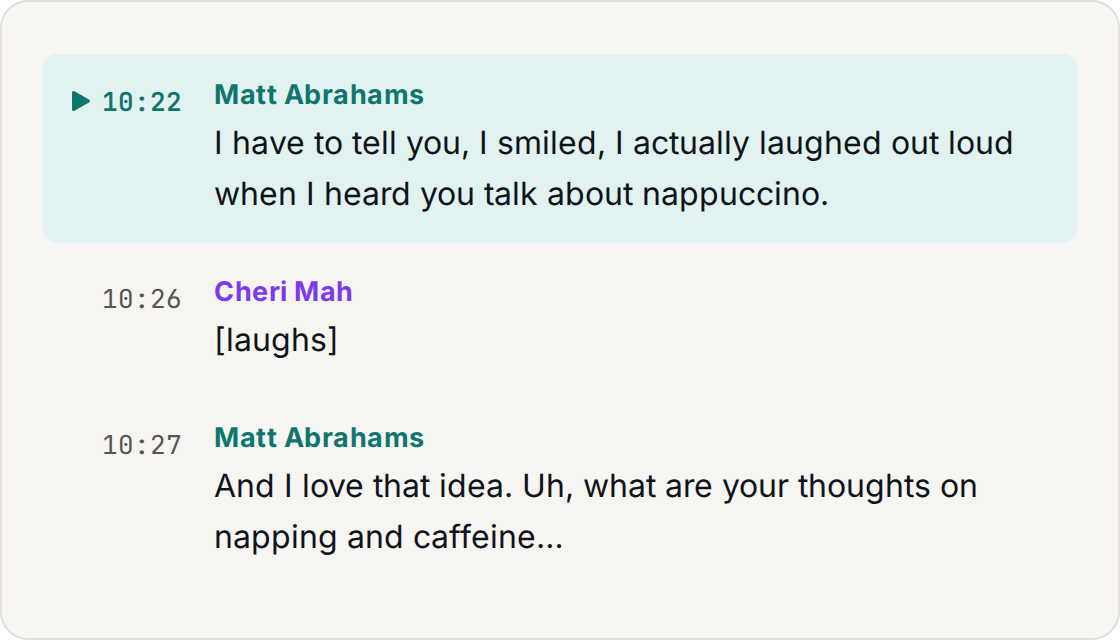
The MP3 to text conversion separates voices as it goes, so an interview or a four-person meeting comes back as a transcript you can read instead of one unbroken block.
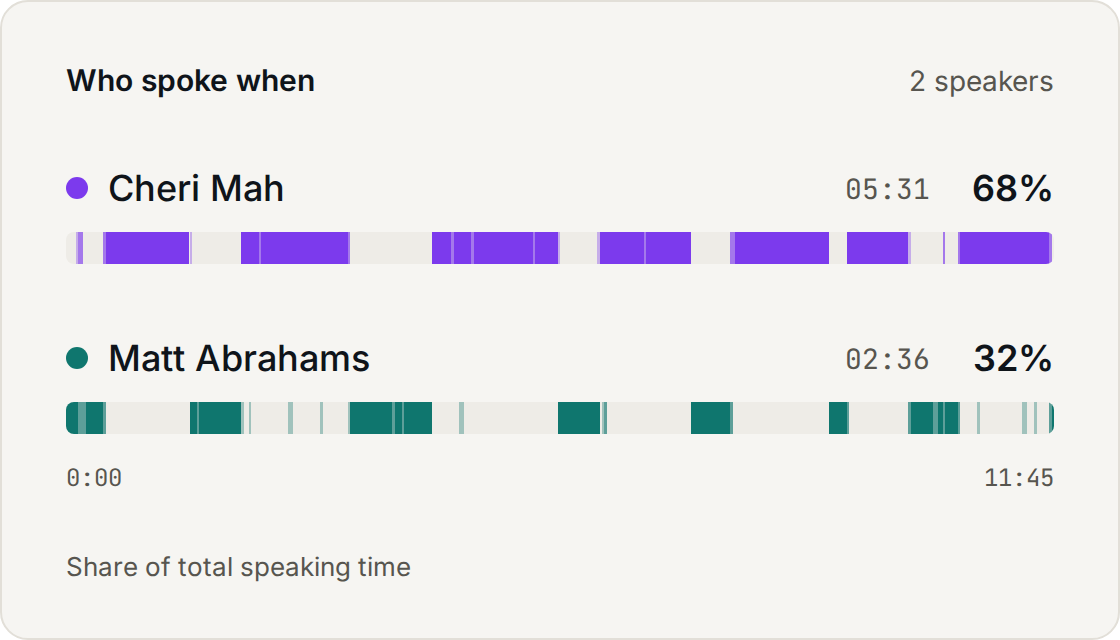
Convert MP3 to text in minutes. Upload an MP3 file and get an accurate, timestamped transcript with every speaker labelled.
The whole process runs in your browser. Audio to text conversion for a one-hour recording takes a few minutes, and you can close the tab while it works.
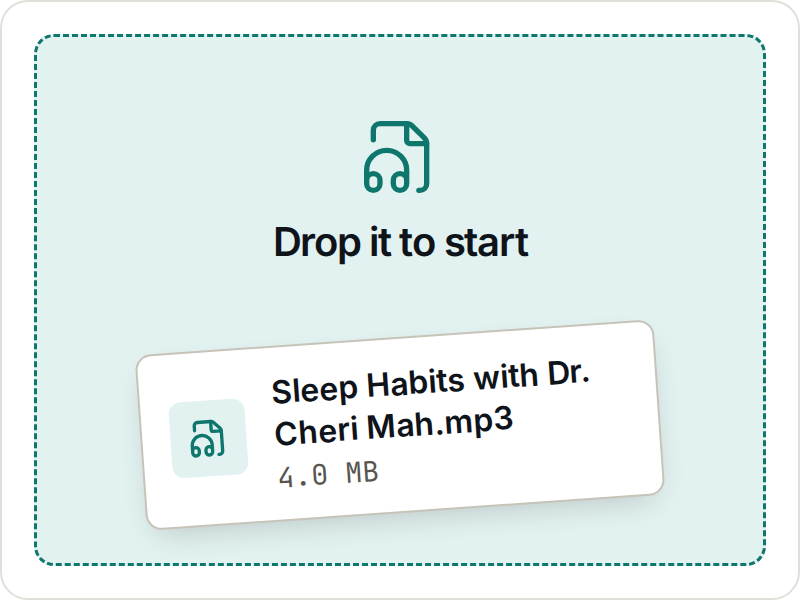
Drag an MP3 file onto the page or pick one from your device. Files up to 2 GB and 4 hours are fine, so interviews, lectures and full meetings all work.
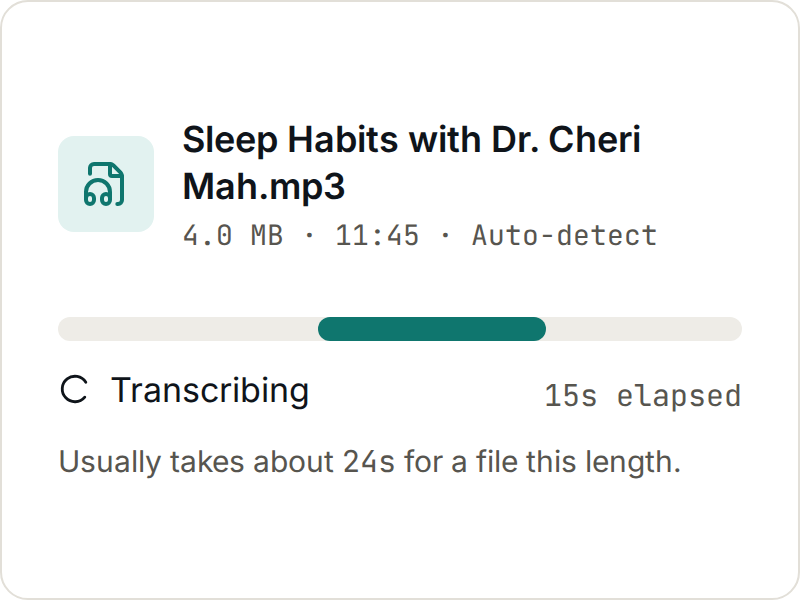
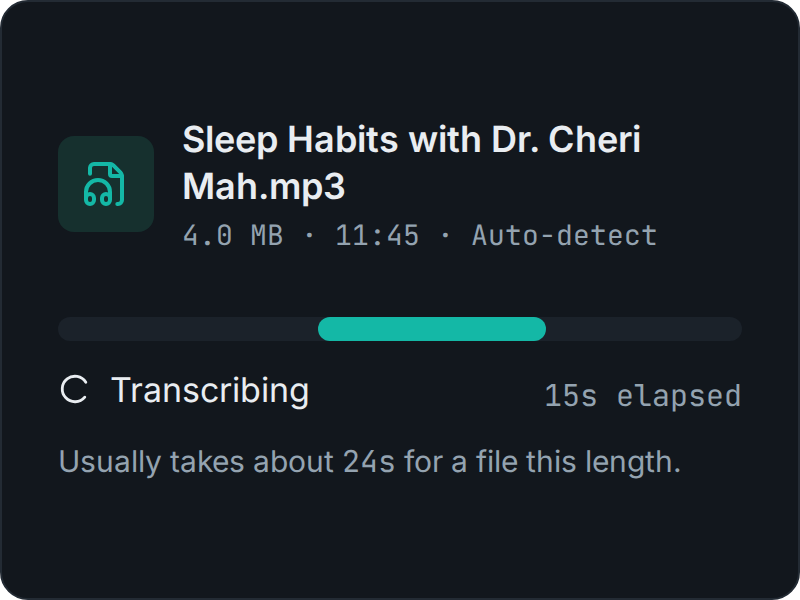
The language is detected automatically and each speaker is separated while the MP3 transcription runs. You watch each stage instead of staring at a blank screen.
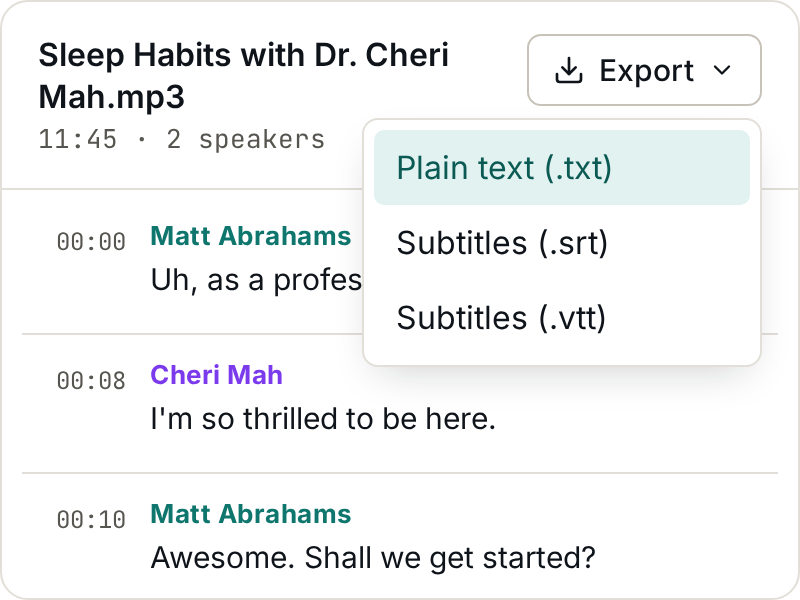
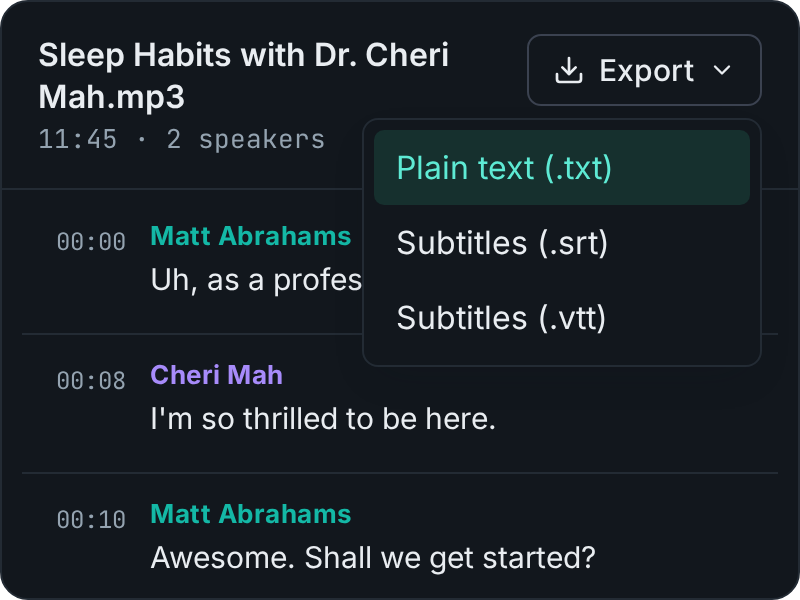
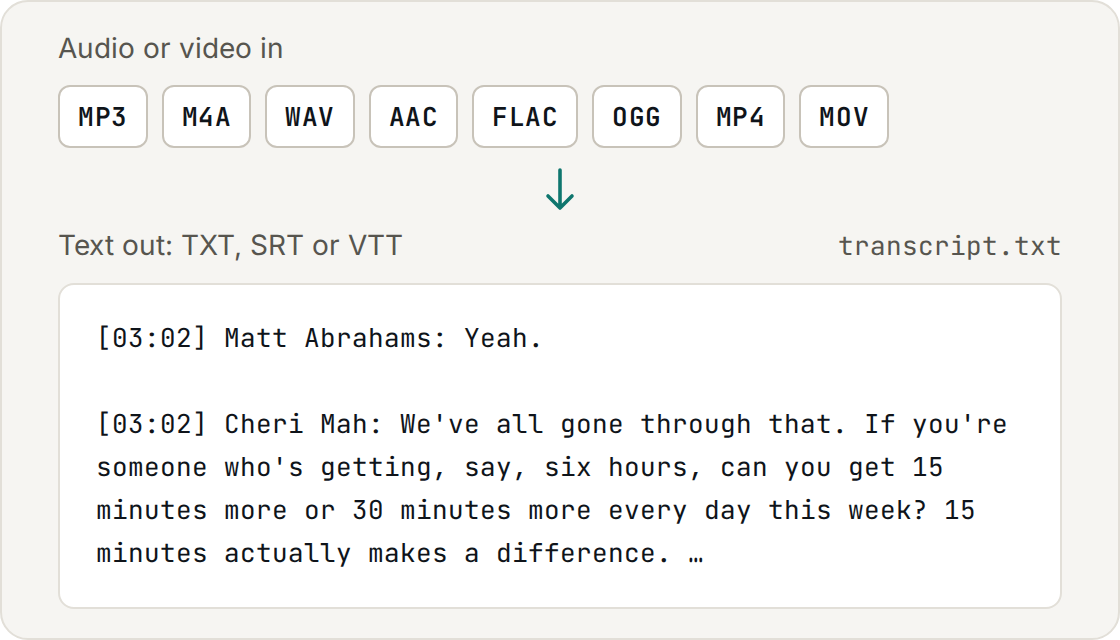
Read the transcript, search it with Ctrl+F, check any line against the audio, then export it as TXT, SRT or VTT.
MP3toText is an online MP3 to text converter. Drop a file into the browser and a readable transcript comes back, with nothing to install.
The MP3 to text conversion separates voices as it goes, so an interview or a four-person meeting comes back as a transcript you can read instead of one unbroken block.
Every line carries the second it was spoken. Quote a moment, cut a clip or jump back to the exact point in the recording without scrubbing through the audio.
Convert M4A, WAV, AAC, FLAC and OGG the same way. Video files such as MP4 and MOV work too — the audio track is pulled out and transcribed automatically.
Clean speech transcribes at around 99% word accuracy. The speech to text model is the same class paid services use — accents, background noise and crosstalk still pull that number down.
Your MP3 file is transferred over an encrypted connection and deleted 24 hours after you upload it. Your audio is never used to train models.
Convert MP3 to text without a card or a download. When you need more than the free allowance, buy hours once or pick a monthly plan.
Anywhere a recording has to become something you can read, search and quote. These are the four jobs people bring to an MP3 to text converter most often.
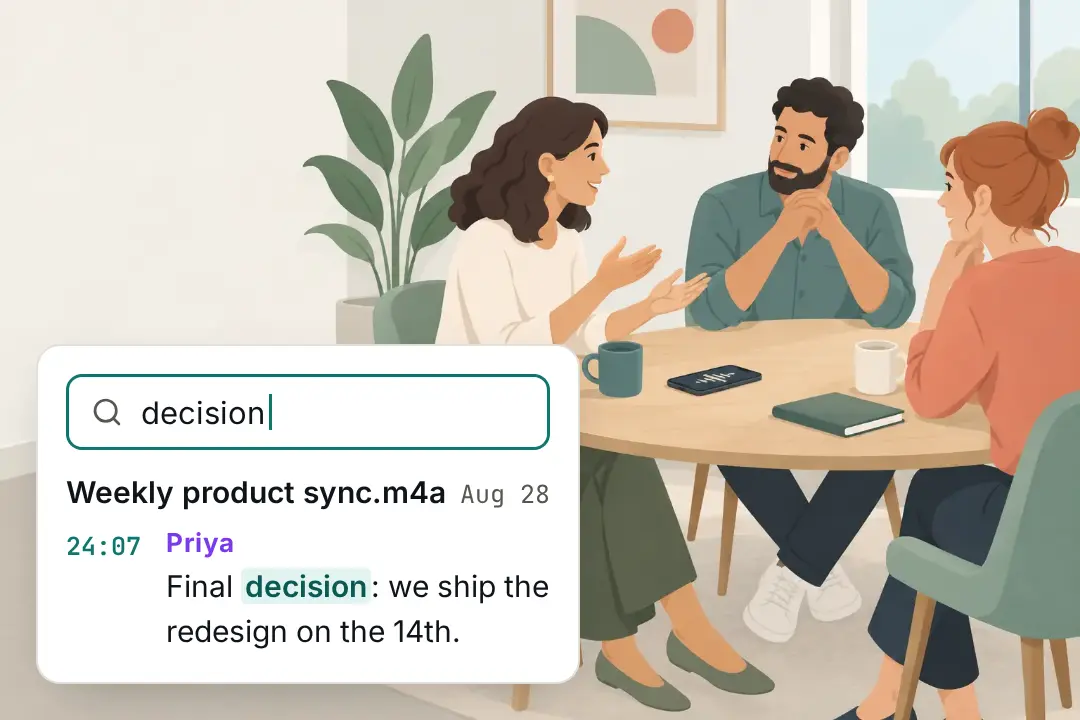
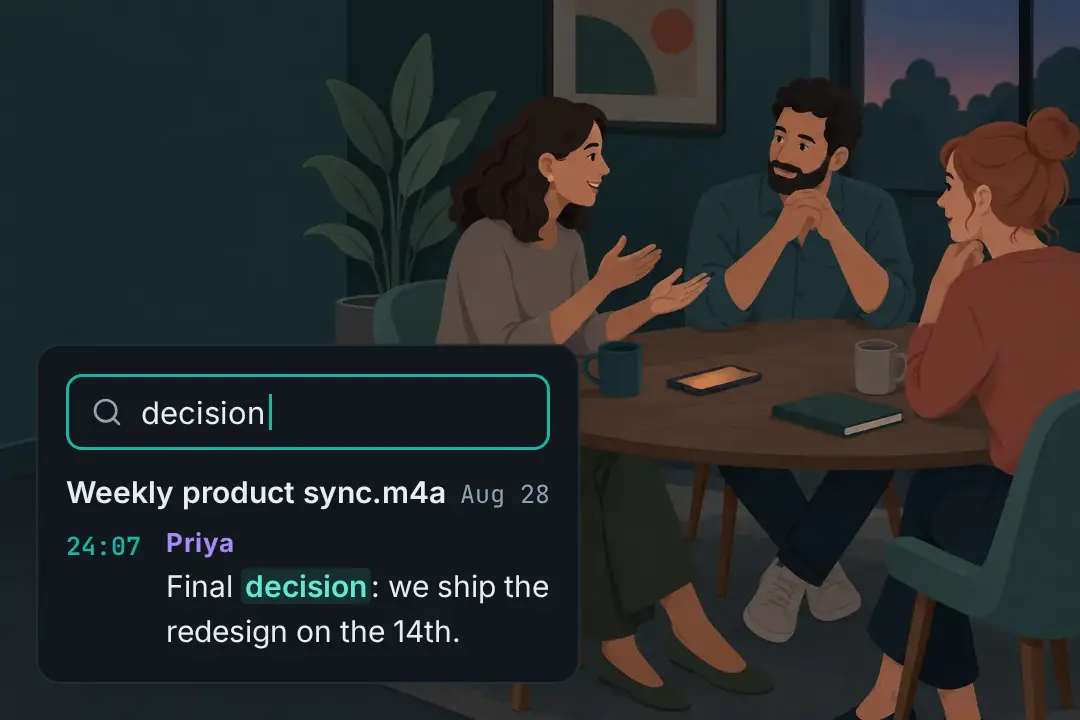
Turn a meeting recording into a searchable record. Convert the MP3 to text once and you can find when a decision was made instead of scrubbing an hour of audio.
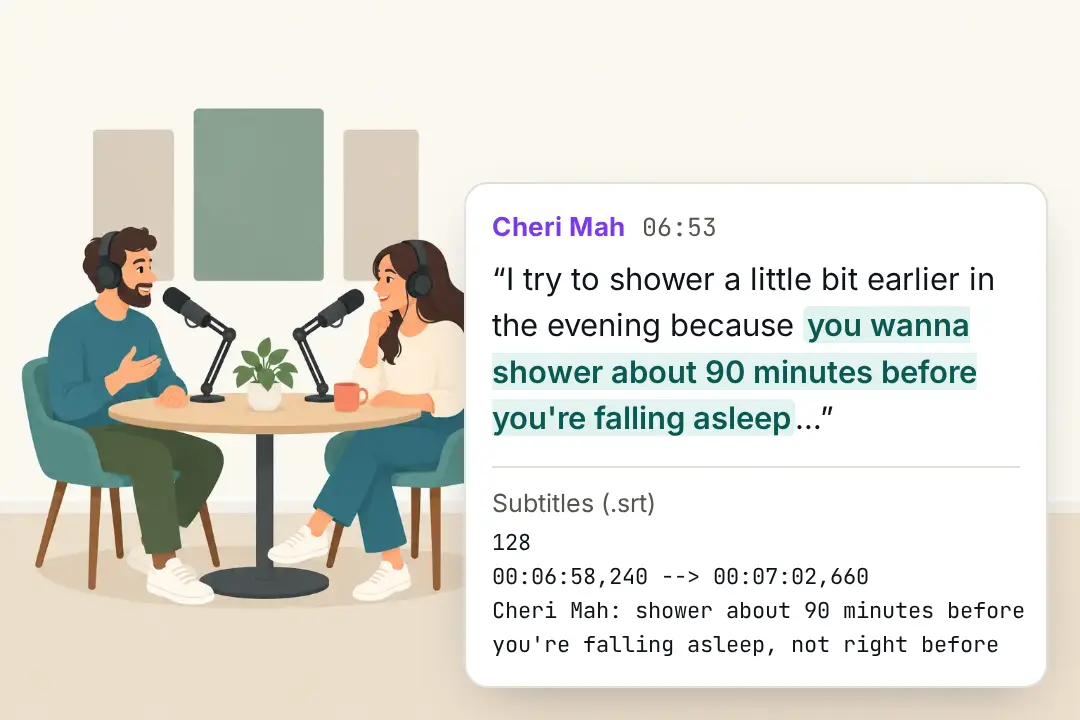
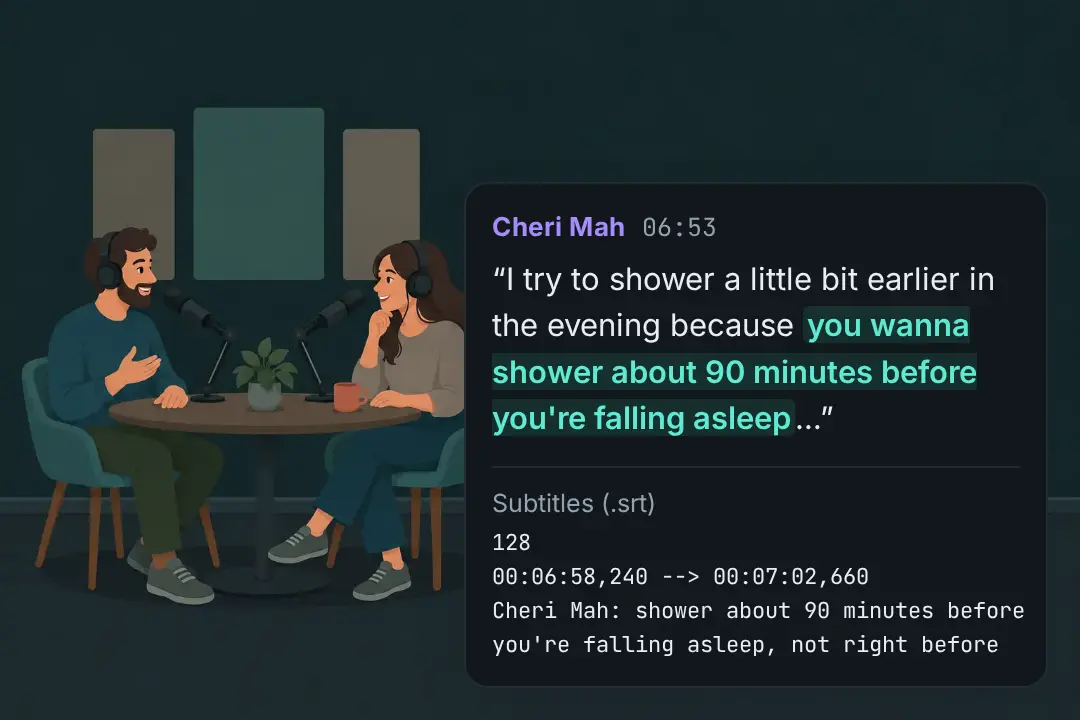
Transcribe an MP3 of an interview or a podcast episode and you have quotable text, show notes and subtitles from one file, without listening to it twice.
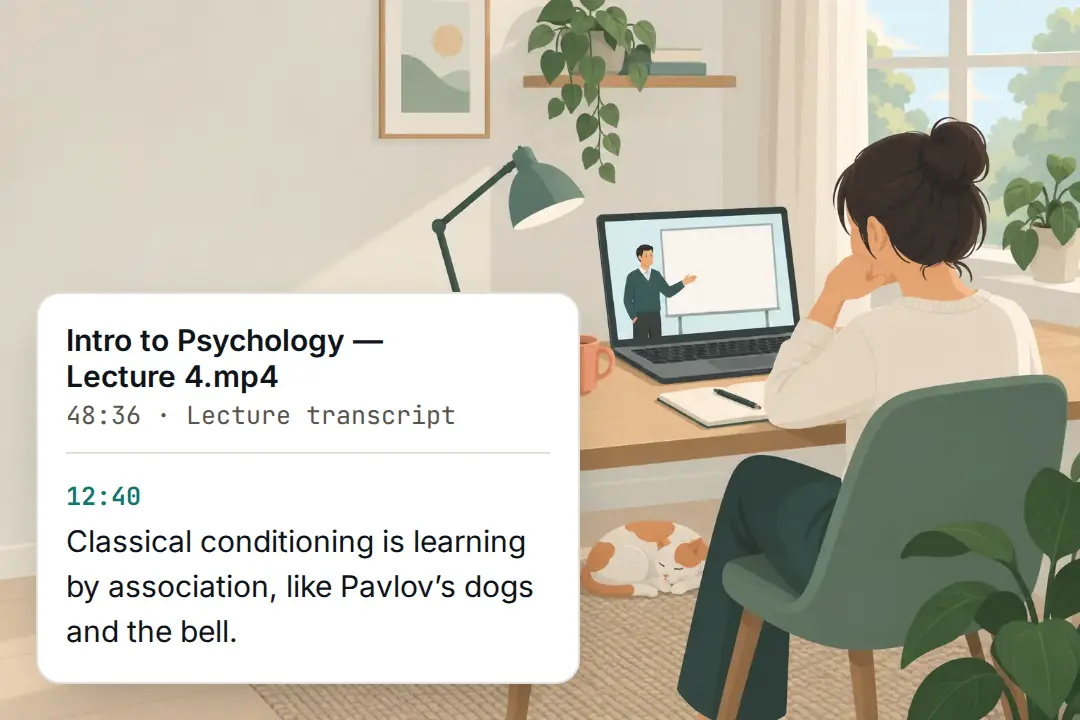
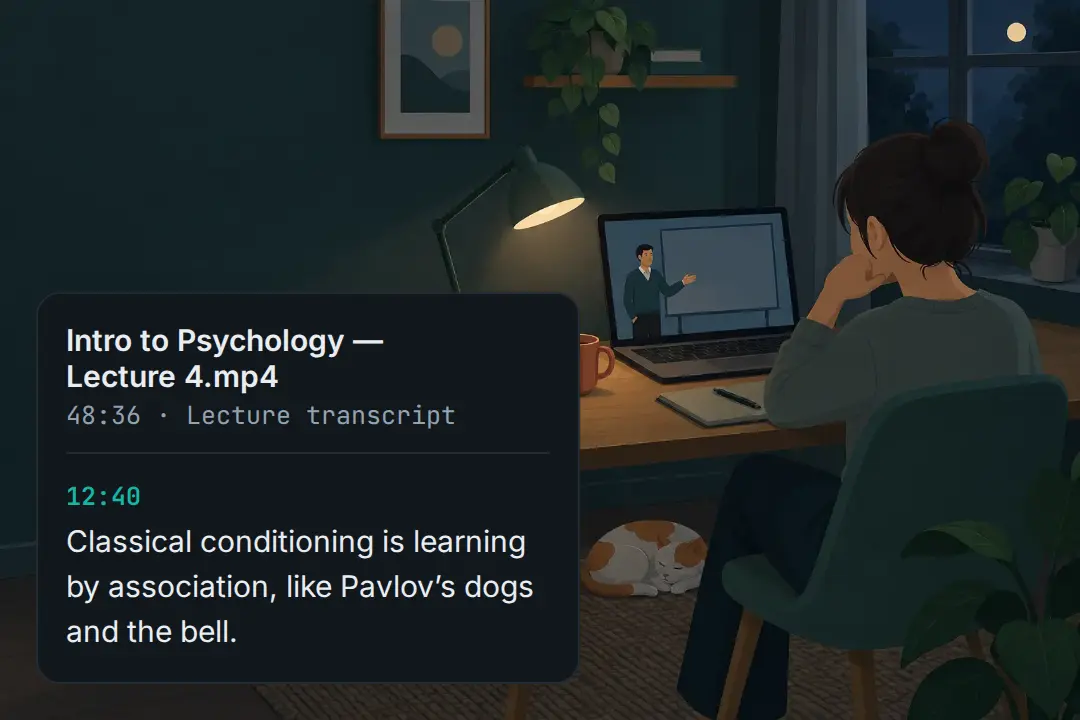
Students convert MP3 to text to revise from a lecture instead of replaying it, and a written transcript makes the same material usable by anyone who cannot listen.
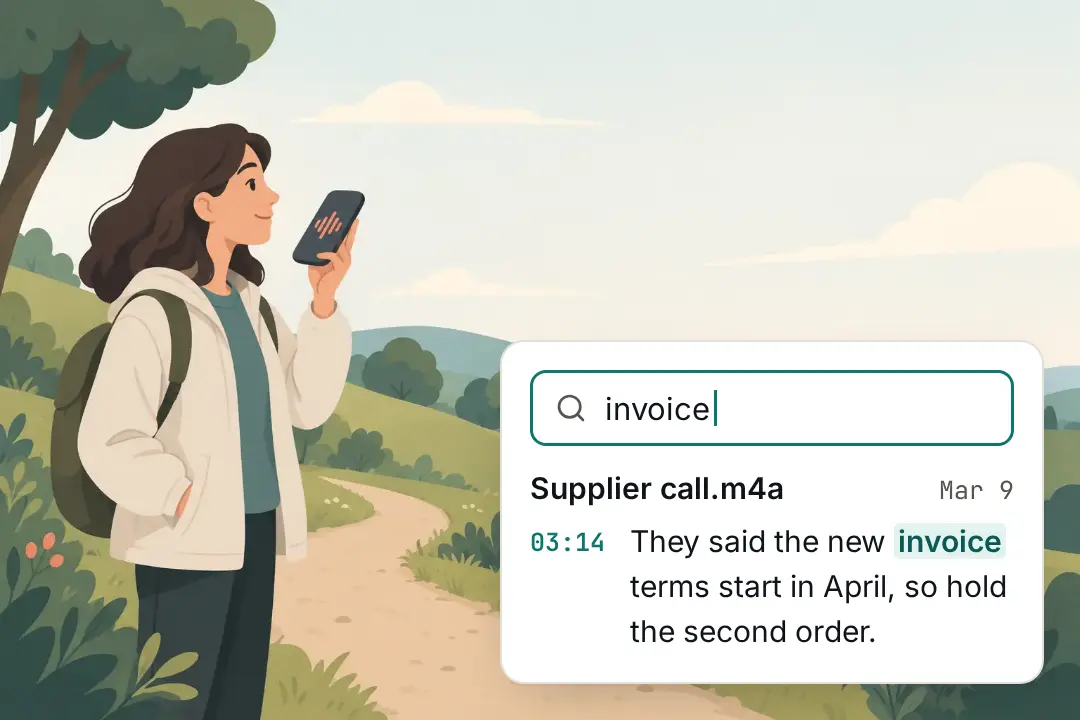
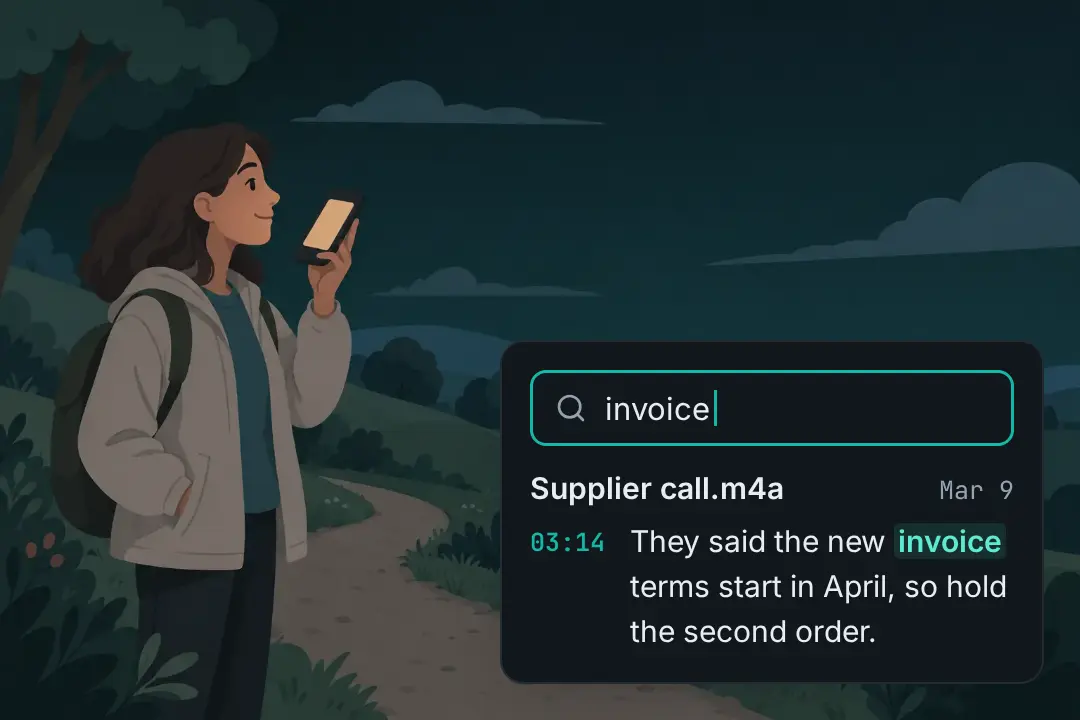
Phone memos and field recordings pile up unread. Audio to text conversion turns them into notes you can actually search, months after you forgot recording them.
Something not covered here? Email support@mp3totext.xyz.
Bring an MP3 and see what the transcript looks like. No card and nothing to install.