Paste a Link, Not a File
No downloader, no screen recording. The Space link is all the transcriber needs.
Turn any recorded Twitter Space into text. Paste the Space link and get a full transcript with every speaker labelled — free, online, nothing to install.
Works with x.com/i/spaces links and with posts that share a Space. Have the audio file? Upload it instead
A Twitter Space is a live audio conversation on X. When the host records it, the replay stays on X, but audio is hard to skim. You can’t search it, quote it or hand it to someone who has ten minutes instead of two hours.
MP3toText reads the recording straight from the Space link and turns it into a Twitter Spaces transcript: every word, split by speaker, with a timestamp on each line. Read it in the browser, search it, or export it to Word.
Three steps, all in your browser, with no app to install.
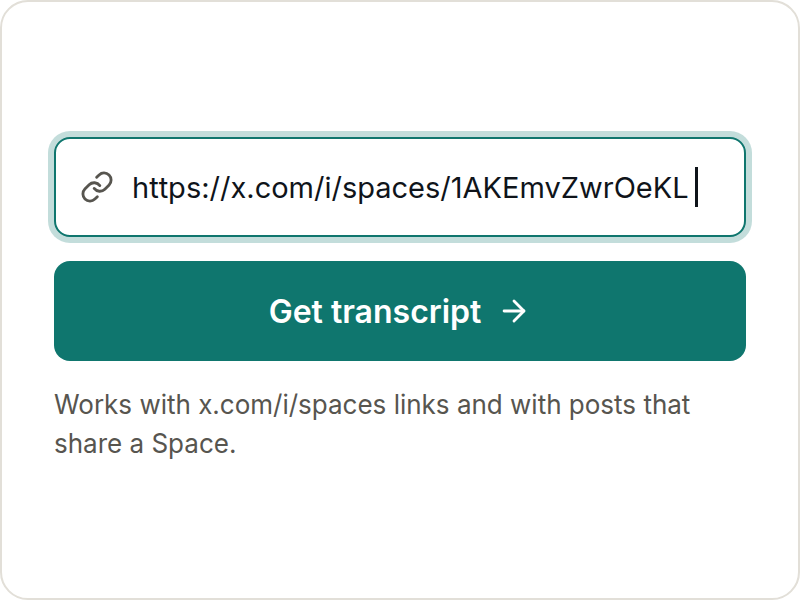
On X, open the recorded Space, tap Share and copy the link. A link to a post that shares the Space works too.
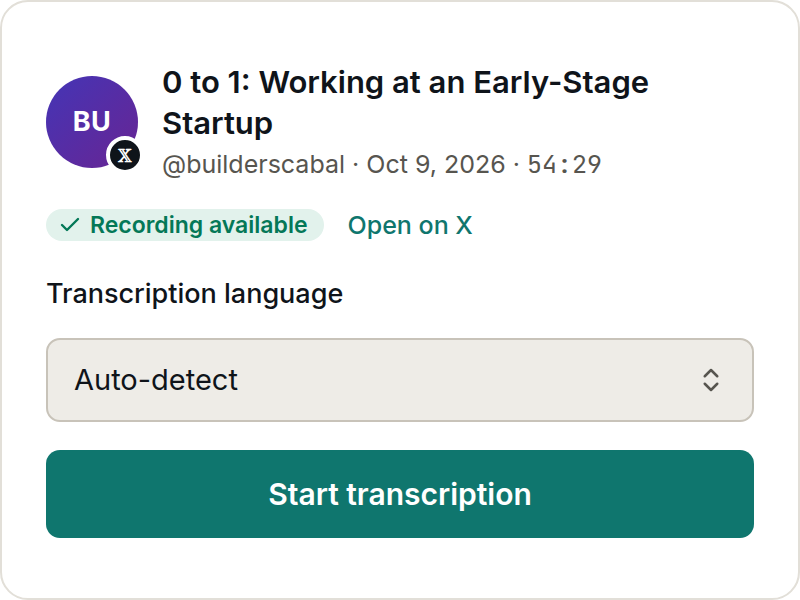
MP3toText finds the Space, shows you its title, host and length, then fetches the recording and starts the transcription.
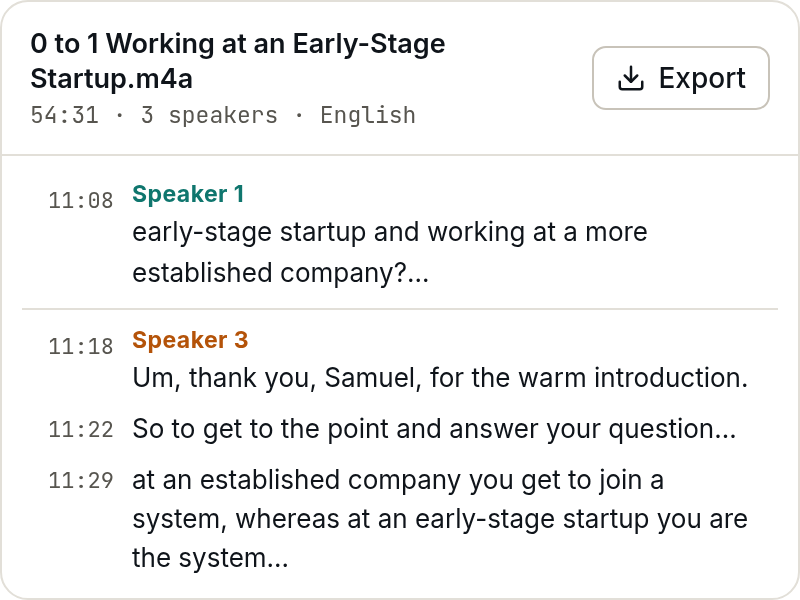
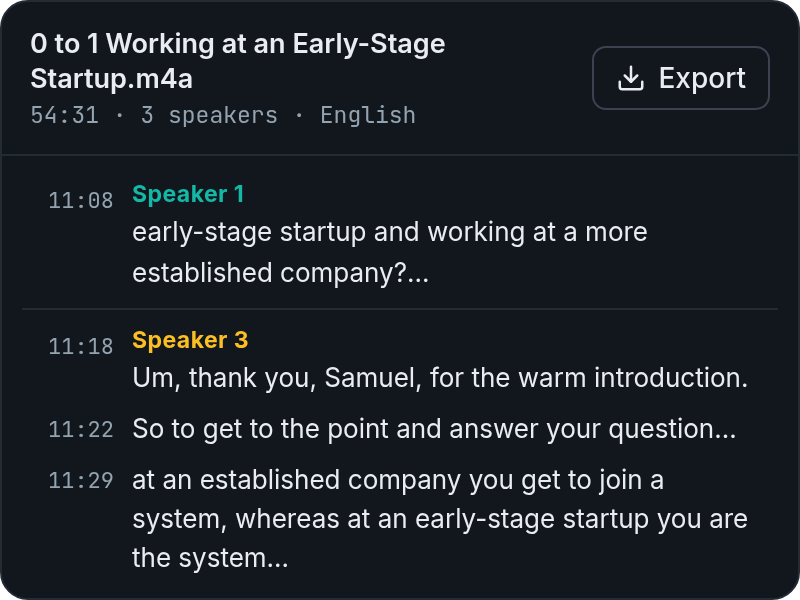
The transcript appears with each speaker on their own lines. Search it, check any line against the audio, then export it as a Word document, TXT, SRT or VTT.
No downloader, no screen recording. The Space link is all the transcriber needs.
Hosts, co-hosts and speakers who came up from the audience each get their own label, so a five-person Space reads like a conversation instead of one block of text.
Jump to the exact moment a guest said something, or cut a clip from it, without scrubbing through two hours of audio.
Spaces up to 4 hours long are fine. Leave the tab once it’s running and come back to a finished transcript.
The spoken language is detected automatically, so Spaces in Spanish, Japanese or Hindi come back as text in that language.
Signed in, you can turn the transcript into a short summary of what was said and decided — a starting point for a recap post or meeting notes.
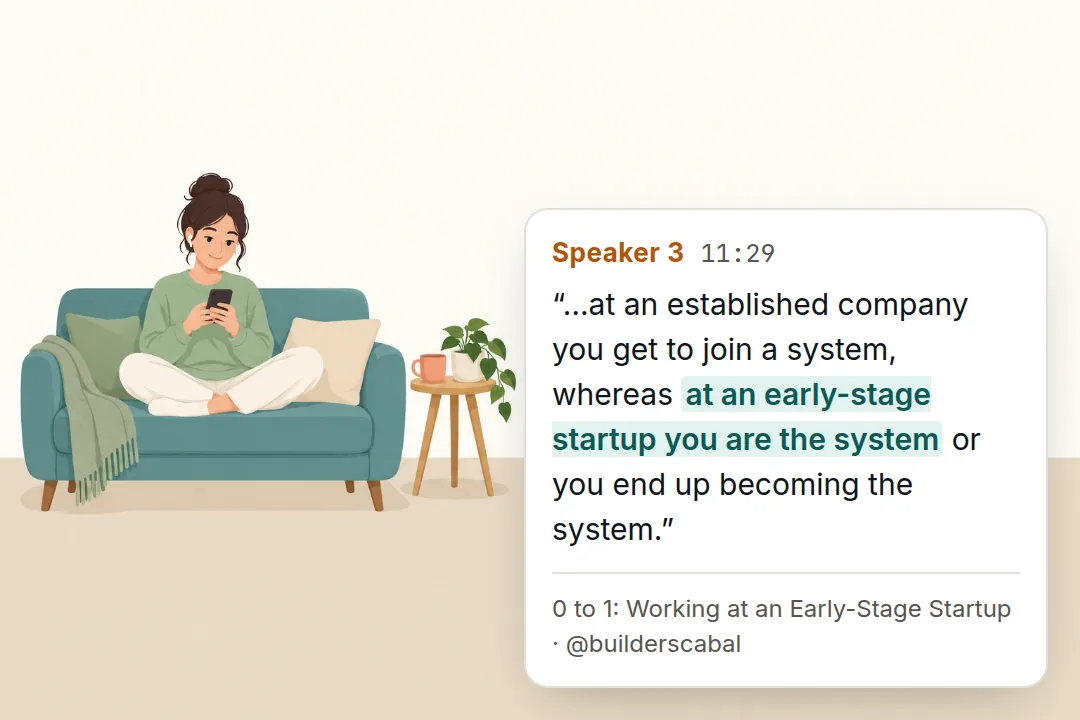
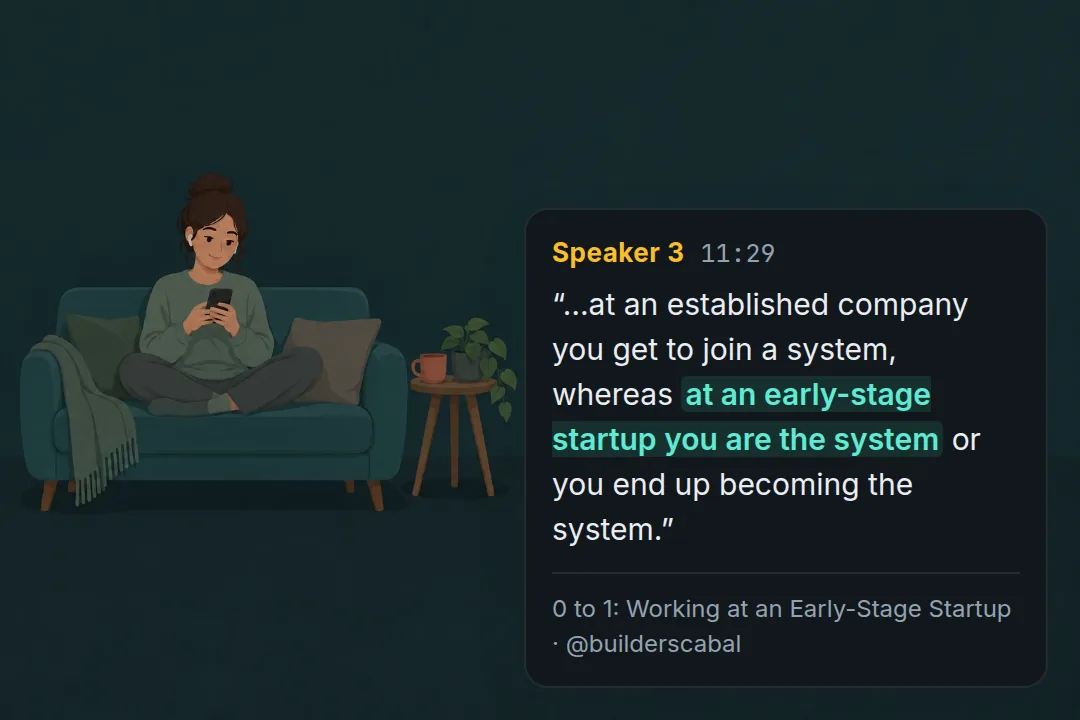
Pull the best quotes into a thread for everyone who missed the Space, with the exact wording instead of paraphrase.
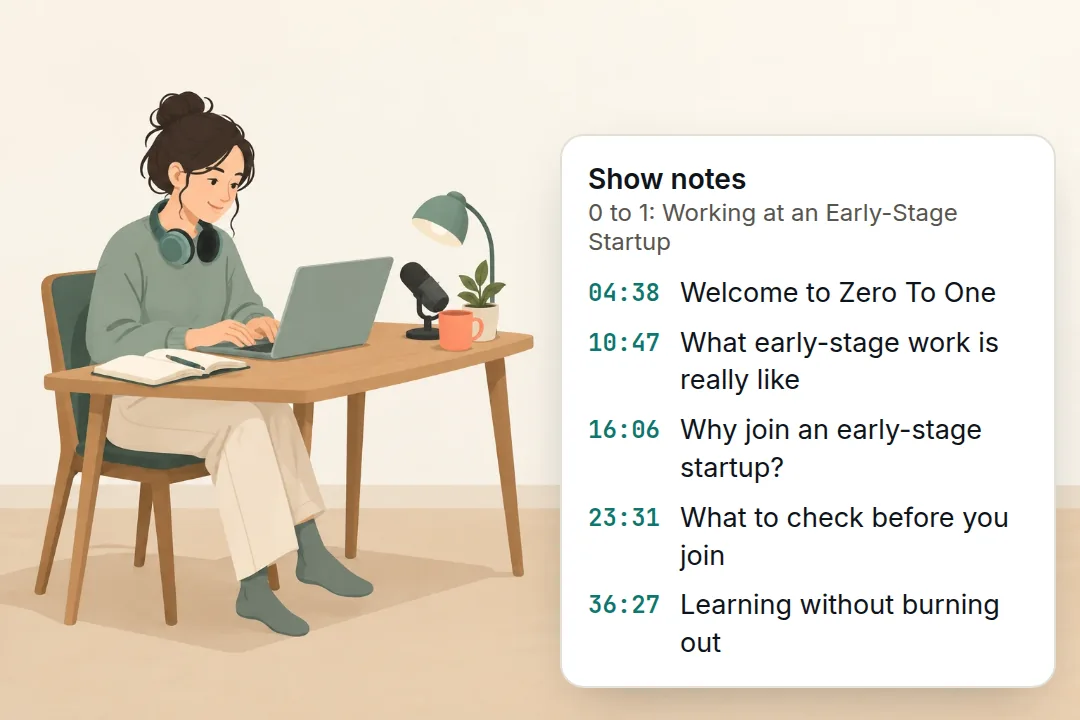
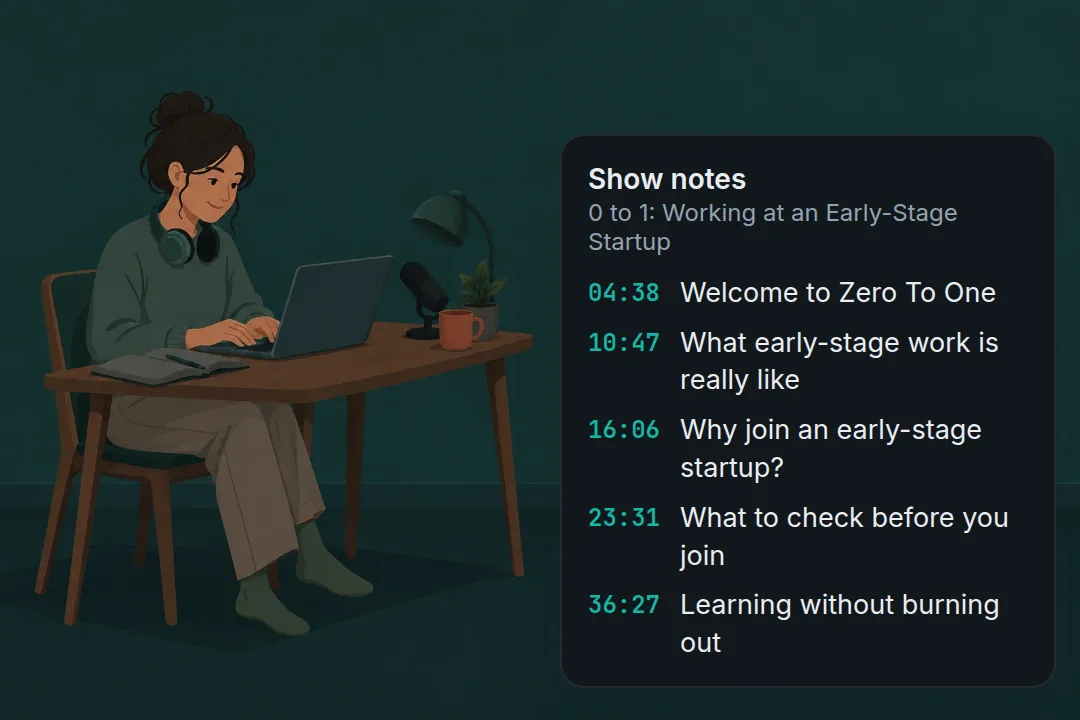
A Space is a podcast that happened live. With a transcript it becomes show notes, a blog post or a newsletter issue.
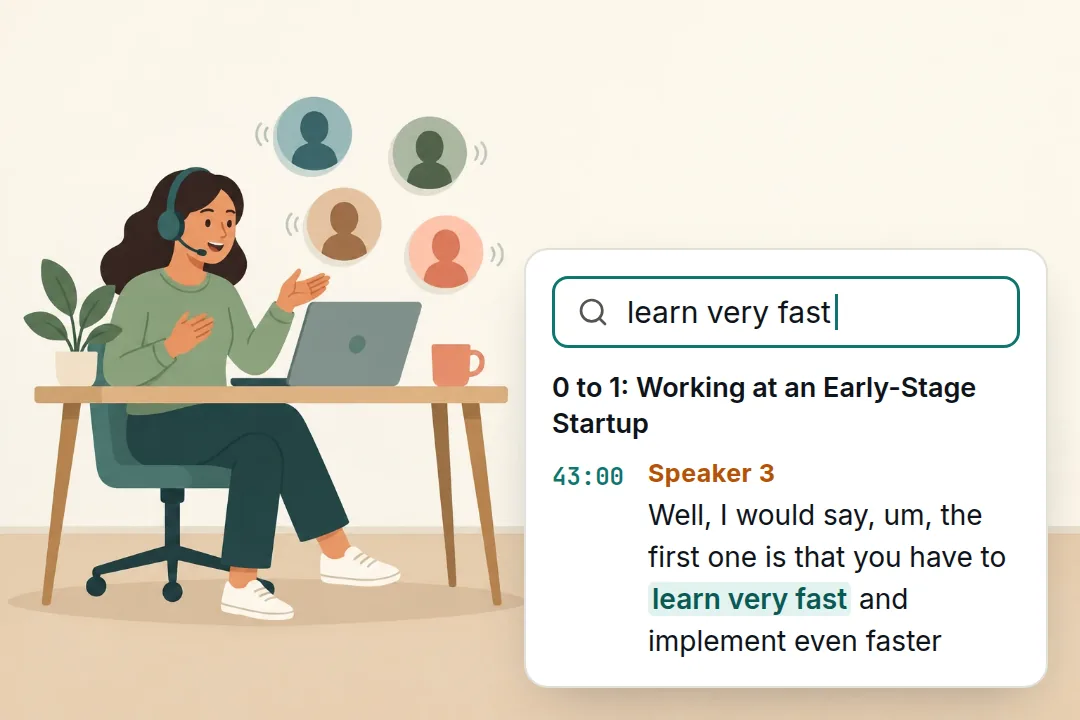
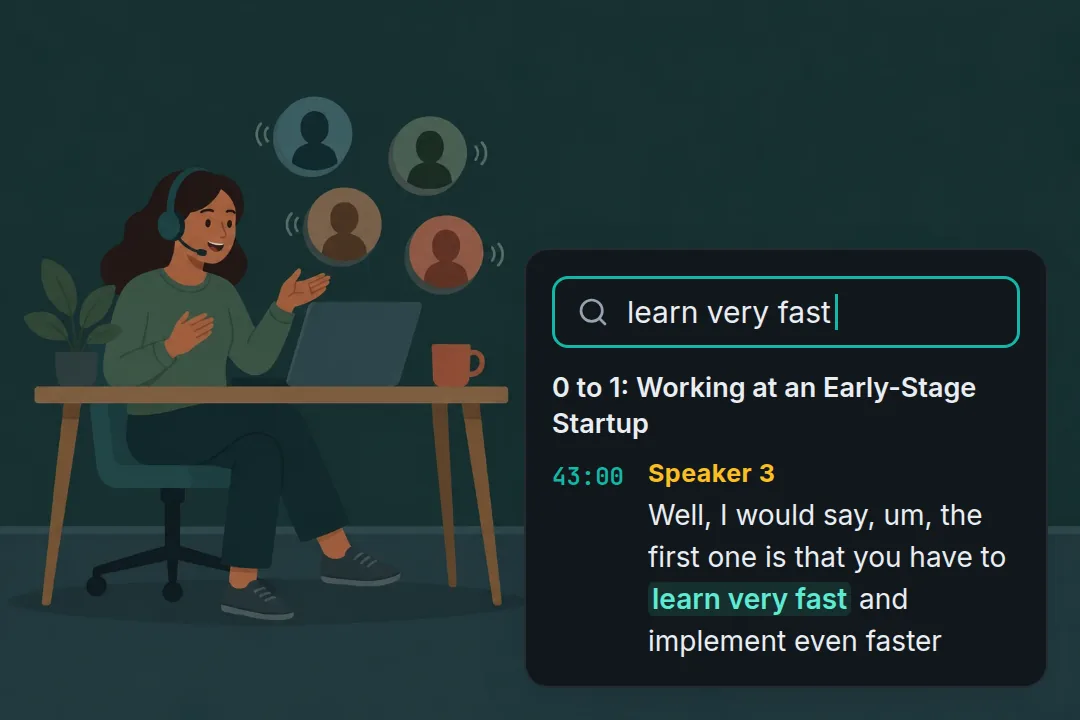
Project teams and communities keep a searchable record of every AMA and community call, so nobody has to ask what was promised.
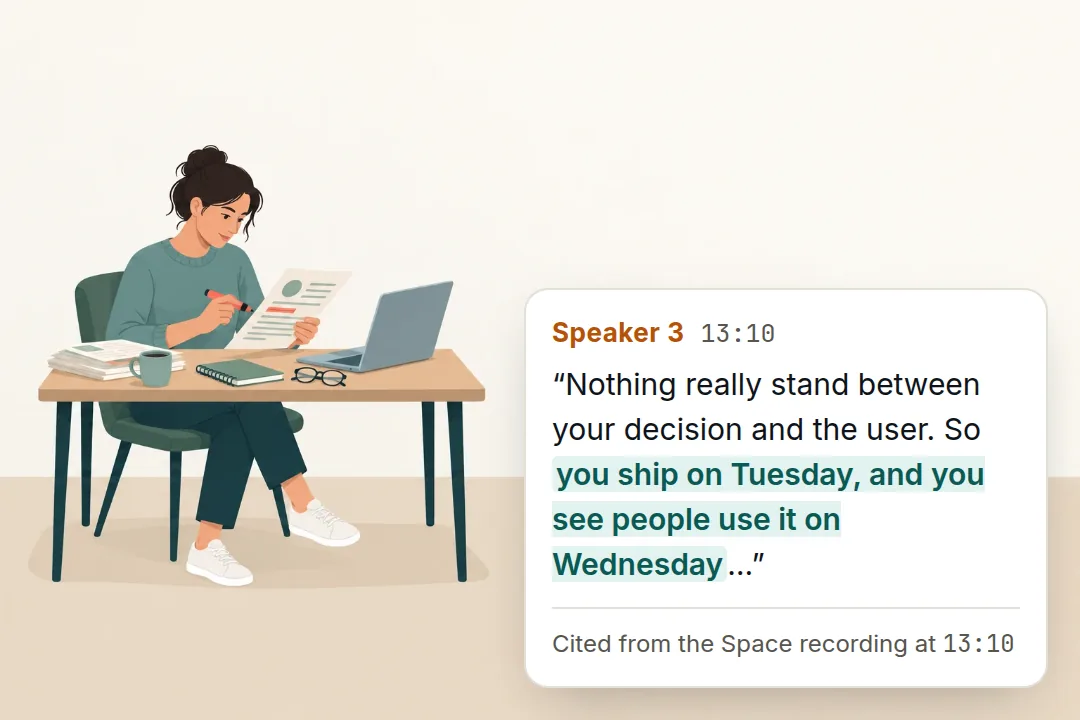
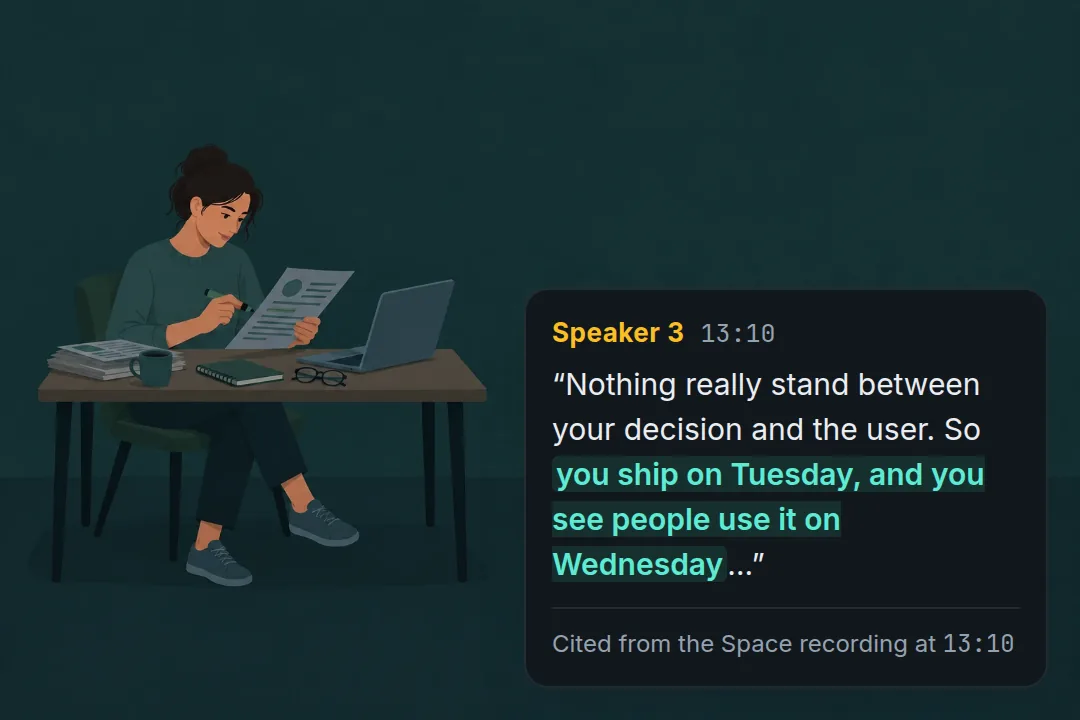
Journalists and researchers quote speakers word for word and cite the time it was said.
Something not covered here? Email support@mp3totext.xyz.
Paste a Space link and see the transcript. No card, nothing to install.